Custom WordPress Website Development Process Explained: From Discovery to Launch
If a custom WordPress project goes sideways, it’s rarely because someone forgot a hook. It’s because the team started designing before anyone agreed what the site was supposed to do – or because “we’ll sort the redirects later” became a launch-week fire.
This is the process we run at RABAN Tech when we take a custom WordPress site from a messy brief to a live URL. It’s not a sales deck. It’s the sequence that keeps scope, design, content and SEO from fighting each other.
What we keep seeing
- Discovery is the cheapest week on the project and the most expensive one to skip.
- Real copy should lead design. Layouts built on “lorem ipsum” collapse the week the real headlines arrive.
- If you’re editing the live site, you don’t have a process. Staging is not a luxury.
- QA asks “does it work?” UAT asks “is this what we asked for?” Those are two different gates.
- 301 redirects and Core Web Vitals belong in the launch plan, not in a cleanup ticket after the party.
What “custom WordPress” actually means
People use “custom” to mean three different jobs and that mix-up is how budgets get quoted against the wrong thing.
- A customised theme – you bought a marketplace theme, swapped the logo and fought the builder for six months.
- A page-builder site – Elementor or a similar tool, often fast to start, easy to bloat and hard to keep fast once every department adds a section.
- Custom development – a theme and, when needed, plugins written around your brand, workflows and data. Nothing leftover that you’re not using.
When we say custom at RABAN, we mean the third one. That doesn’t mean we rebuild WooCommerce or a form plugin from scratch. A decent partner will tell you when an existing, well-maintained plugin is the grown-up choice and when a custom plugin is worth the cost because the marketplace option will fight you later.
The point of custom work is control: you own the code, the design system is yours and you’re not waiting for a theme author’s next update to unlock a layout you already paid for.
The process at a glance
We run seven stages: Discover, Plan, Design, Develop, Test, Launch and Improve. A live project also needs content, staging, QA versus UAT and a careful launch. Here’s the path from first conversation to support.
-
01
Discover1-2 weeks
We write down the goal, the audience and what done looks like before anyone opens a design file.
-
02
Plan1 week
Sitemap, stack choices and a content plan. This is also when we list the URLs you can’t afford to lose.
-
03
Design2-3 weeks
Homepage first so the look and tone are locked. Then the templates that have to carry the rest of the site.
-
04
Develop2-6 weeks
Custom theme, only the plugins we can name a reason for and a private staging URL from day one.
-
05
Test1-2 weeks
We check it works on real devices. You walk the journeys from the brief and say if this is the site you asked for.
-
06
Launch1-3 days
Redirects, SSL, analytics and one more pass on the live domain. The boring checklist is what protects traffic.
-
07
ImproveFirst month
We watch Search Console, Core Web Vitals and the first real users. Fixes go in while the data is still fresh.
-
08
SupportOngoing
Updates, backups and the quiet work that stops a custom site turning into a plugin junk drawer.
Phase 1 – Discovery: write the argument before you write the code
Discovery is the unglamorous week where we ask questions that sound obvious and write down answers people thought they already agreed on. They usually haven’t.
We want the business goal in one sentence. “We need a new website” is not a goal. “We need operations to stop emailing PDF price lists and marketing to publish without a developer” is a goal. Same for audience, must-have journeys (quote, checkout, booking, login) and the constraints nobody puts in the RFP – a CRM that cannot change, a legal review that takes three weeks, a brand colour that cannot be touched.
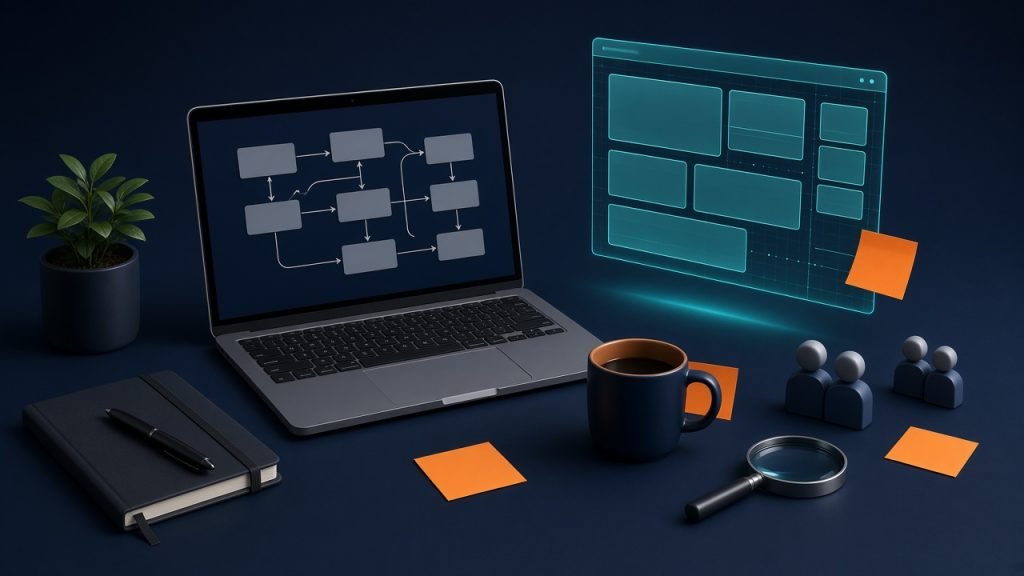
Deliverables from this phase are boring on purpose: a short brief, a sitemap, a feature list marked must / later / out of scope and a timeline with named owners. If a feature is not on that list, it’s a change request later – not a “quick add” mid-build.
Skipping discovery does not save time. It moves the argument into week six, when changing a page template costs real money.
Phase 2 – Plan: sitemap, stack and the content problem
Planning is where we decide what is custom and what is not. Custom post types for case studies? A WooCommerce catalogue or a simple request form? Multilingual from day one, or a structure that can take it later? Hosting that can actually run object cache, or the cheapest shared plan someone already prepaid?
Then there is content – the part everyone wants to “handle in parallel” and then forgets. We don’t need every word locked before design starts. We do need the primary pages drafted: homepage promise, service stories, proof and the call to action you actually want people to take. Designers who invent layouts around dummy text are guessing. Guessing is expensive.
If the homepage headline is still “Lorem ipsum” when development starts, you are not behind on copy. You are behind on the product.
This is also when we inventory the current site, if there is one. Every indexed URL that will move needs a destination. Doing that inventory in week one is a spreadsheet. Doing it the night before launch is a traffic leak.
Phase 3 – Design: homepage first, then the templates
We start with the homepage because it sets the type, colour, spacing and tone everything else has to live with. Stakeholders also react faster to one real page than to a 40-screen deck of wireframes they won’t read.
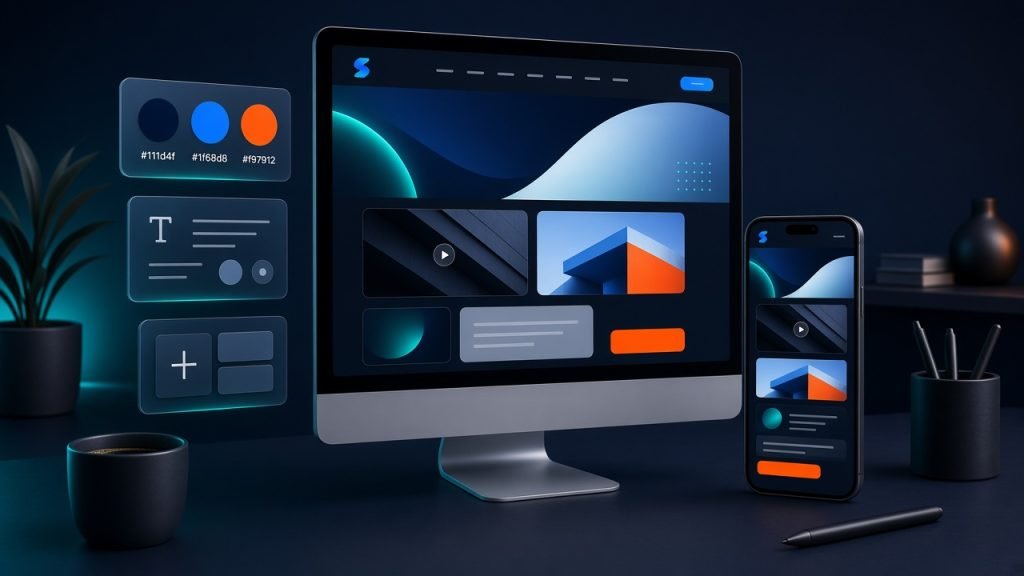
After that we design the templates that do the heavy lifting: a service page, a case study or article, a contact or request flow and whatever unique template the brief actually needs. We’re not decorating 18 one-off pages. We’re designing a small system so a new page in six months doesn’t need a designer on retainer.
Feedback works better in rounds with a written list than in a 40-person Zoom where everyone has a favourite shade of blue. We ask for one consolidated pass per stage. Unlimited “tiny tweaks” is how a two-week design phase becomes six.
Phase 4 – Develop: custom theme, fewer plugins, staging from day one
Development is where the site becomes a product instead of a picture. For us that usually means a custom theme (or a tightly scoped block theme), fields the editors can actually use and only the plugins we can name a reason for.
Plugin count is not a moral score. A site with eight well-chosen plugins will outlive a “clean” site that reinvented forms, SEO and backups badly. The failure mode we see more often is the opposite: twenty plugins, three of them doing the same job, one of them abandoned in 2021.
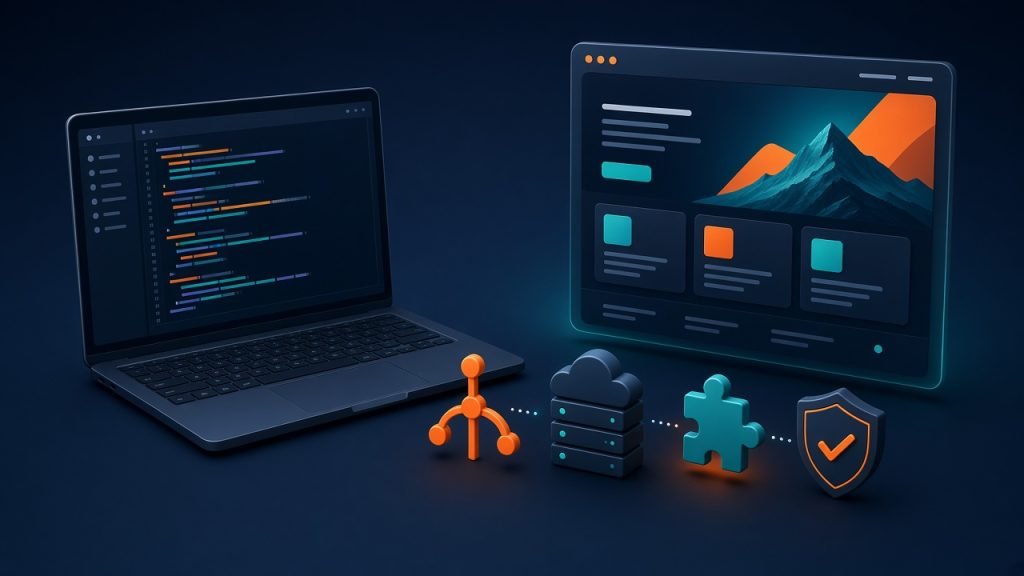
Staging goes up early – a private URL the client can click, not a ZIP file or a Figma comment thread. Designers, developers and the client look at the same pages, on the same data, under the same conditions. We never “just push this to live and see.” That sentence has a cost and it’s always larger than people expect.
Performance is not a last-week task either. Image sizes, fonts, caching and what we lazy-load (hint: not the hero) get decided while we build, because Core Web Vitals are stubborn once a theme is full of leftovers.
Phase 5 – Test: QA finds bugs, UAT finds the brief
Quality assurance is our job. We click the things a visitor will click: forms, menus, pagination, search, checkout if there is one. We check phones and a couple of desktop widths. We try Chrome, Safari and Firefox because “it works on my laptop” is not a test plan. We look at broken links, empty states and the pages nobody remembered existed.
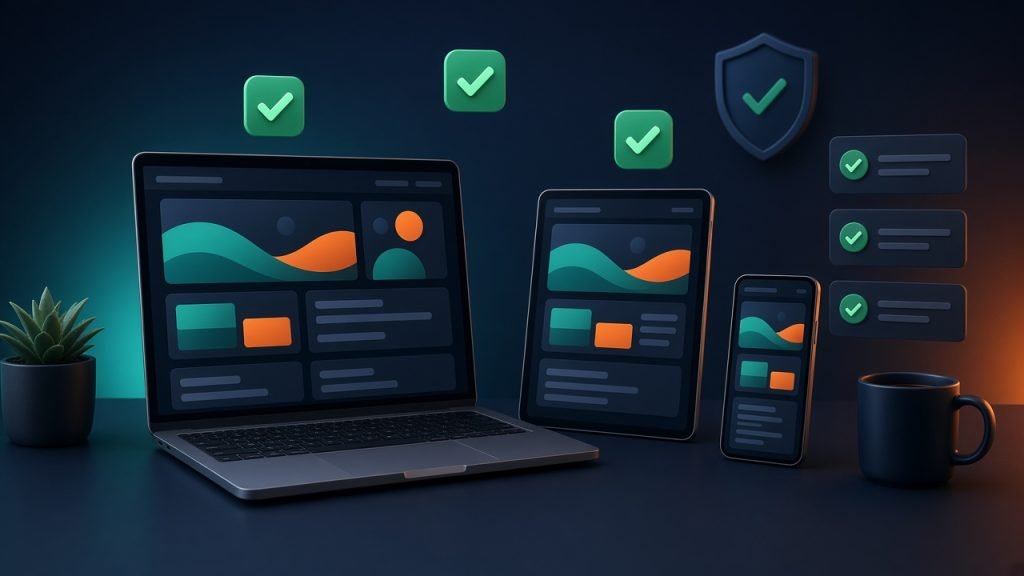
User acceptance testing is the client’s job, with our help. This isn’t a second QA pass. It’s the moment someone who owns the business walks the journeys we wrote down in discovery and says “yes, this is the site we asked for” – or “the quote form is missing the field sales actually uses.” That sentence is cheap on staging. It is expensive after the domain points at the new box.
We prefer comments on the page (or a shared list with screenshots) over a 90-email thread titled “RE: website feedback FINAL v7.” One owner, one list, a freeze date. After freeze, new ideas go on a post-launch list. They do not sneak into launch day.
Phase 6 – Launch: the unsexy checklist that protects rankings
Launch day is mostly operations. Final backup. DNS and SSL. Forms tested on the live domain, not just staging (thank you, CORS and mail routing). Analytics and Search Console connected. And the redirect map – old URL to new URL, page for page, not a blanket send-everything-to-homepage 301 that throws away years of links.

Then we do a live QA pass, because production is never quite staging. Caching layers behave differently. Third-party scripts wake up. That “noindex” tag someone left on for safety will happily stay there if nobody looks.
Speed gets one more look on the real host with real images. Google’s lab numbers are useful. The first week of field data is the truth. If Largest Contentful Paint is the hero image and someone lazy-loaded it, we fix that before we talk about “the theme is slow.”
Phase 7 – Improve: launch is a start date
The site is live. The work isn’t over. We watch crawl errors, 404s the redirect map missed, form submissions that never arrived and the queries Search Console starts to show once Google recrawls.
This is also when editors discover the CMS in anger. If a block is awkward, we fix the block. If a landing page needs a new pattern, we add a pattern – we don’t hand them a page builder and wish them luck. Support after launch is how a custom site stays custom instead of slowly turning into a plugin junk drawer.
How long this actually takes
A straightforward marketing site with a custom theme and no wild integrations is often six to eight weeks if content shows up on time. Add WooCommerce, a CRM, multilingual, or a migration with a thousand URLs and you’re talking months – not because developers are slow, but because decisions and content are.
| Phase | Typical range | What usually slips |
|---|---|---|
| Discovery & plan | 1-2 weeks | Stakeholders who were “too busy for a workshop” |
| Content | Overlaps design | Copy that arrives after templates are built |
| Design | 2-3 weeks | Open-ended revision rounds |
| Development | 2-6 weeks | Scope that was “just one more page” |
| QA & UAT | 1-2 weeks | Feedback by committee, no freeze date |
| Launch | 1-3 days | Redirects and DNS left until Friday evening |
If someone quotes a custom WordPress site in ten days, ask what they are customising. A theme install can be that fast. A site you’ll still like in two years usually cannot.
When a custom build is worth it and when it isn’t
We’ll talk you out of custom work if a well-built theme and a short plugin list will do the job. Custom earns its keep when the brand cannot live inside a template, when you have integrations a builder will paper over, or when performance and editor experience matter enough to design them on purpose.
| Theme / page builder | Custom development | |
|---|---|---|
| Upfront cost | Lower | Higher |
| Time to first draft | Days to a few weeks | Weeks, sometimes months |
| Design freedom | Inside someone else’s system | Yours |
| Performance headroom | Often carries unused code | Only what you need |
| Best fit | Standard brochure or simple shop | Specific workflows, integrations, brand |
Questions we get on every kickoff
Do we really need a discovery phase if we already have a brief?
A brief is a start. Discovery is where we find the three things the brief assumed and the two things two departments disagree about. We have never regretted a short discovery. We have regretted skipping it.
Should content be finished before design?
Finished? No. Drafted for the pages that set the system? Yes. Headlines, proof and the primary call to action need to exist early enough to shape the layout. Designing around dummy text is how you get a beautiful page that cannot hold a 14-word headline.
Can we use Elementor and still call it custom?
You can use a builder as a tool inside a disciplined build. You can’t drop a stock kit on a cheap host, install fifteen add-ons and call the result custom development. The tool matters less than whether the architecture was designed or assembled.
What is the difference between QA and UAT?
QA is us checking that the machine works – browsers, forms, empty states, performance, accessibility basics. UAT is you walking the journeys from the brief and confirming the site matches the business. Both gates. Neither replaces the other.
How do you avoid losing SEO on a redesign?
Inventory the old URLs, map each one to its closest new page, ship 301s (not 302s), keep useful content and don’t leave noindex on production. Then watch Search Console for two weeks like it owes you money.
How long does a custom WordPress site take?
Most of our marketing-site builds land in the six-to-eight-week range when content and feedback move. Stores, integrations and large migrations take longer. The honest variable isn’t PHP. It’s decisions.
If you’re about to start a build
Write the goal in one sentence. List the ten pages that matter. Name the one person who can say “this is approved.” Gather the URLs you can’t afford to lose. Then talk to a team that will treat those things as the project – not as paperwork around the “real” work of making it look pretty.
Ready to Build a Better WordPress Website?
Tell us what you’re working on, what needs to improve and what you want your website to achieve. We’ll recommend the right next step – clear, practical and focused on results.